
• Unified API
  • Mobile SDK
  • Connection Widget
  • Streaming
  • Lab Reports API
  • Graph API
  • Health Scores
  • Health Rewards
  • Planned Workouts
  • Lab Testing
  • AI Interface
  • Enterprise
  • Insurance
  • Integrations
  • Research
  • Podcast
  • Blog
  • Reports
  • Events
  • Documentation
  • Community
  • Example apps
  • Wearable Data
  • About
  • Customers
  • Partners
  • Careers
  • Support
  • Pricing
Terra
Pricing
Become an integrationGet started

Decathlon API Integration

With Terra's Decathlon web API integration, your app receives the sessions users log in the Decathlon app from connected devices such as the Kiprun GPS range. Terra normalizes each session, covering distance, duration, pace, calories burned and heart rate, and POSTs it to your webhook.

Start Receiving Data From Decathlon In 5 Minutes

Decathlon

Decathlon

Enable Decathlon through your Terra dashboard

Select a Wearable

Decathlon

Decathlon

Connect users to your app

0. "active_durations_data":{...}
1. "calories_data": {...}
2. "device_data": {...}
3. "distance_data": {...}
4. "heart_rate_data": {...}
5. "movement_data": {...}
6. "position_data": {...}

Start receiving data from Decathlon on your app or website

How the Decathlon API integration works

Data delivery
Terra polls Decathlon
Expected latency
Up to 5–10 minutes after the provider syncs
Data types
Activity
Credentials
Terra manages the Decathlon API credentials, so there is nothing to register

Two ways to receive Decathlon data
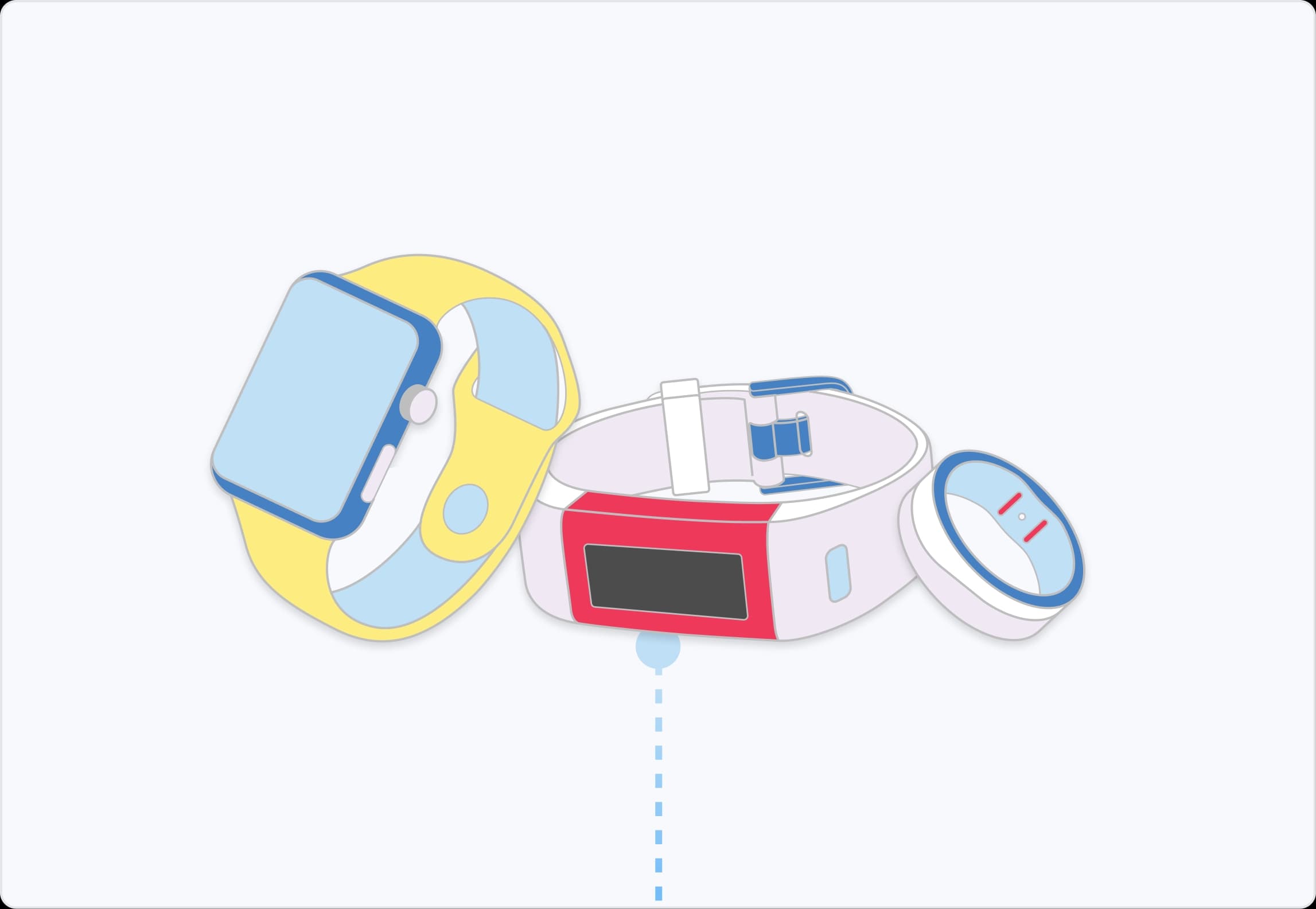
When data is available from a Decathlon device, Terra sends it straight to your webhook. During your Terra account setup you'll be prompted for a callback URL, and that is where Terra POSTs each payload.
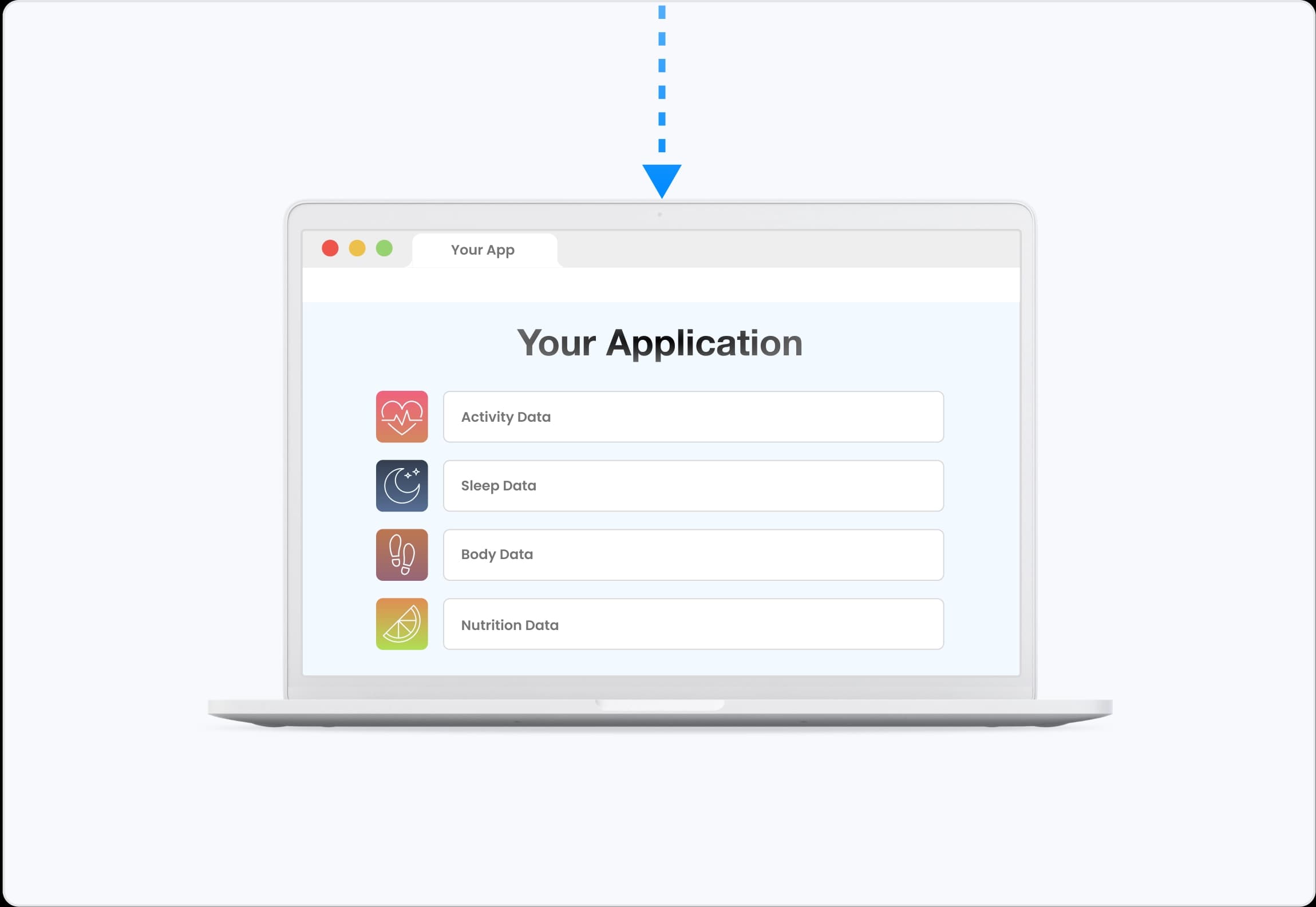
Decathlon does not notify Terra when data changes, so Terra polls it every 5–10 minutes for each connected user and POSTs the normalized payload to your webhook.

Decathlon's Activity
Payload Preview

Terra API preserves the raw data from the wearable, it just standardizes the units and the json format. It doesn’t augment or change the raw data in any way.

Data is organized into one of 6 data types.

Learn More

Decathlon's Available Data Types

Activity Payload (JSON)

{

active_durations_data: { ... }

calories_data: { ... }

data_enrichment: { ... }

distance_data: { ... }

heart_rate_data: { ... }

metadata: { ... }

movement_data: { ... }

polyline_map_data: { ... }

position_data: { ... }

}

Data can also be sent as a FIT File or with the FHIR Format.

Send Decathlon data to your backend

Terra forwards every normalized payload to the destination you already use.
WebhookWebhook
FirestoreFirestore
SQLSQL
Mongo DBMongo DB
Google Cloud Storage BucketGoogle Cloud Storage Bucket
WebhookWebhook
FirestoreFirestore
SQLSQL
Mongo DBMongo DB
Google Cloud Storage BucketGoogle Cloud Storage Bucket
AWS S3 BucketAWS S3 Bucket
AWS Simple Queue ServiceAWS Simple Queue Service
KafkaKafka
SupabaseSupabase
Azure BlobAzure Blob
AWS S3 BucketAWS S3 Bucket
AWS Simple Queue ServiceAWS Simple Queue Service
KafkaKafka
SupabaseSupabase
Azure BlobAzure Blob

People Often Ask Us...

How do I access Decathlon activity data through an API?

Your user connects their Decathlon account through the Terra widget, and Terra reads the sessions logged in the Decathlon app from their connected devices, normalizing each one into a standard Activity payload for your webhook.

How quickly does Decathlon data reach my app?

Terra polls Decathlon every 5–10 minutes for each connected user, so new data reaches your webhook within that window of a device sync.

What data is available from Decathlon through Terra?

Through Terra's Decathlon integration, you can access activity data.

Which Decathlon devices report through the integration?

The connected range that syncs into the Decathlon app, including the Kiprun GPS 900, 550 and 500 watches, the Onmove series, and Oncoach models.

Do I need my own Decathlon API credentials?

No. Terra manages the Decathlon API credentials, so there is nothing to register with Decathlon before you connect users.

Can't Find Your Question?

What devices are supported?

Terra API integrates with any Decathlon device currently supported by Decathlon.

Kiprun GPS 900
Kiprun GPS 550
Kiprun GPS 500
Onmove 200
Onmove 220
Onmove 500 HRM
Oncoach 100
Oncoach 900

Connect with our Decathlon Integration

Decathlon API alternatives

These integrations also offer Activity data.

Strava

Strava

Zwift

Zwift

Catapult One

Catapult One

Concept2

Concept2

FinalSurge

FinalSurge

Hammerhead

Hammerhead

iFit

iFit

Insiders

Insiders

Ask, Learn, and Connect

Explore the community forum and connect to Terra API with ease.

Ask a Question

The world's best health apps run on Terra data

Get started
ProductsIntegrations AI Interface Authentication Mobile Development Documentation GraphAPI
DocumentationAPI SDK Quickstart
CommunityBlog Research Community Podcast Github
CompanyAboutCareersCustomersBecome an IntegrationCookies PolicyGDPRPrivacy PolicyTerms of Purchase
© Terra API. 2026 — All rights reserved.

Cookie Preferences

Essential CookiesAlways On
Advertisement Cookies
Analytics Cookies

Crunch Time: Embrace the Cookie Monster Within!

We use cookies to enhance your browsing experience and analyse our traffic. By clicking “Accept All”, you consent to our use of cookies according to our Cookie Policy. You can change your mind any time by visiting out cookie policy.

Cookies Policy