Crunch Time: Embrace the Cookie Monster Within!
We use cookies to enhance your browsing experience and analyse our traffic. Nothing beyond essential cookies runs until you choose. You can change your mind any time in our Cookie Policy.



Start Receiving Data From Rouvy In 5 Minutes

Rouvy
Enable Rouvy through your Terra dashboard
Select a Wearable
Rouvy
Connect users to your app
0. "active_durations_data":{...}
1. "calories_data": {...}
2. "device_data": {...}
3. "distance_data": {...}
4. "heart_rate_data": {...}
5. "movement_data": {...}
6. "position_data": {...}
Start receiving data from Rouvy on your app or website
How the Rouvy API integration works
- Data delivery
- Terra polls Rouvy
- Expected latency
- Up to 5–10 minutes after the provider syncs
- Data types
- Activity, normalized by the Terra unified API
- Credentials
- No provider credentials required
Two ways to receive Rouvy data
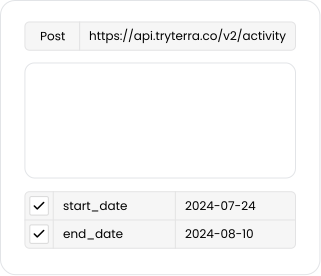
When data is available from a Rouvy device, Terra sends it straight to your webhook. During your Terra account setup you'll be prompted for a callback URL, and that is where Terra POSTs each payload.
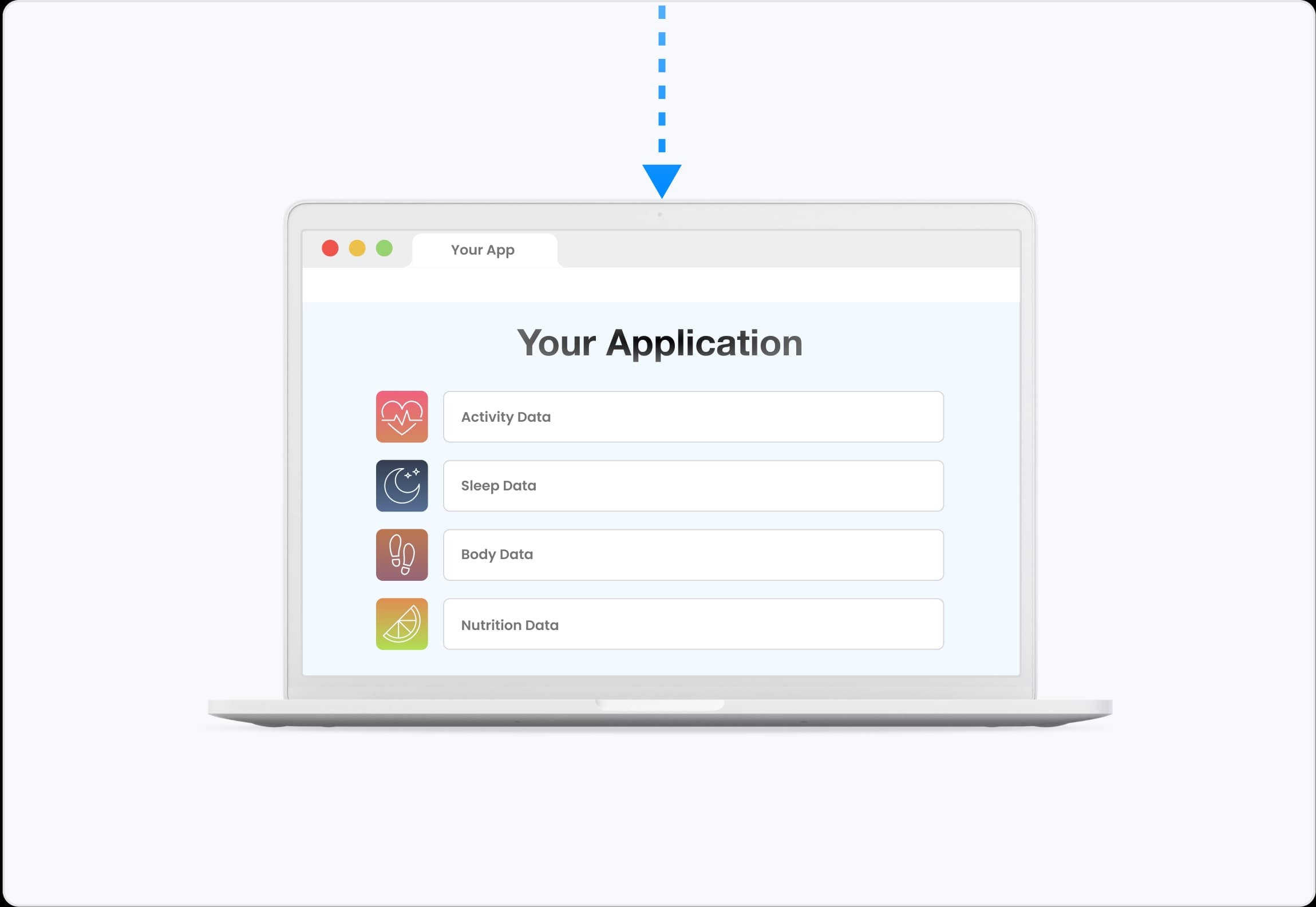
Rouvy does not notify Terra when data changes, so Terra polls it every 5–10 minutes for each connected user and POSTs the normalized payload to your webhook.
Rouvy's Activity
Payload Preview
Terra API preserves the raw data from the wearable, it just standardizes the units and the json format. It doesn’t augment or change the raw data in any way.
Data is organized into one of 6 data types.
Learn More
Activity Payload (JSON)
{
metadata: { ... }
distance_data: { ... }
active_durations_data: { ... }
movement_data: { ... }
heart_rate_data: { ... }
data_enrichment: { ... }
}
Data can also be sent as a FIT File or with the FHIR Format.
Send Rouvy data to your backend
Terra forwards every normalized payload to the destination you already use. Webhook
 Firestore
 SQL
SQL Mongo DB
 Google Cloud Storage Bucket
 AWS S3 Bucket
 AWS Simple Queue Service
 Kafka
Kafka Supabase
 Azure Blob
People Often Ask Us...
Can't Find Your Question?
What devices are supported?
Terra API integrates with any Rouvy device currently supported by Rouvy.

Terra on Rouvy
Research and writing from the Terra team on Rouvy.
- Blog1 Dec 2025
November 2025 product update: Azure Blob and Kafka destinations, and one consistent way to hear that a user disconnected
November 2025: Azure Blob Storage and Kafka join Terra's destinations, disconnection and re-auth events are standardised across every source, and strain scores cover running.
Alex Venetidis
Rouvy API alternatives
These integrations also offer Activity data.


