


My Macros+ API Integration
Start Receiving Data From My Macros+ In 5 Minutes

My Macros+
Enable My Macros+ through your Terra dashboard
Select a Wearable
My Macros+
Connect users to your app
0. "active_durations_data":{...}
1. "calories_data": {...}
2. "device_data": {...}
3. "distance_data": {...}
4. "heart_rate_data": {...}
5. "movement_data": {...}
6. "position_data": {...}
Start receiving data from My Macros+ on your app or website
Two ways to receive My Macros+ data
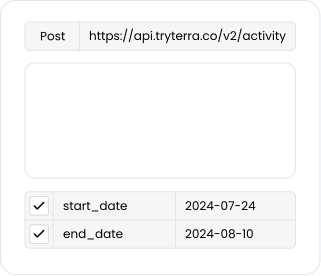
When data is available from a My Macros+ device, Terra sends it straight to your webhook. During your Terra account setup you'll be prompted for a callback URL, and that is where Terra POSTs each payload.
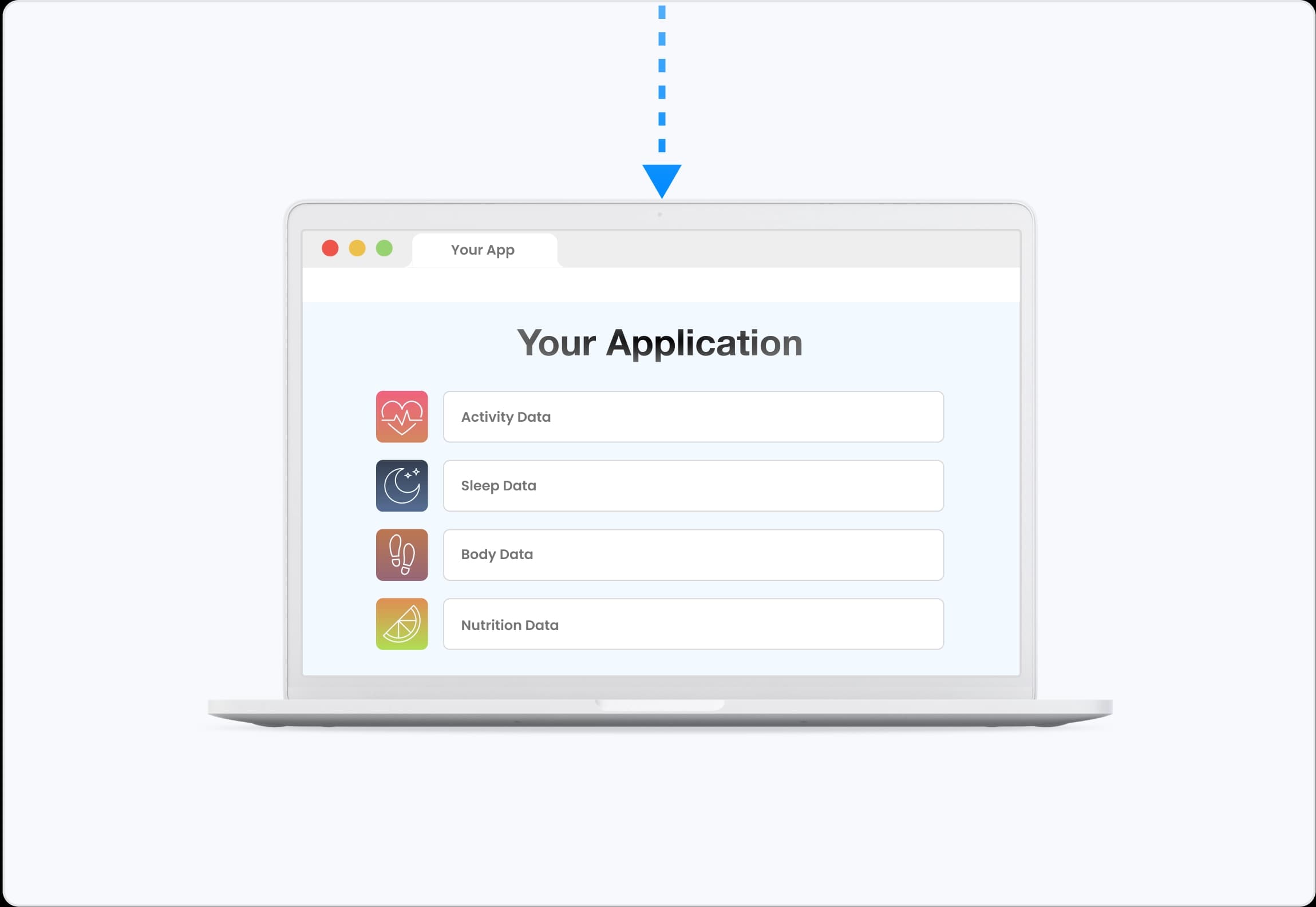
My Macros+'s Activity
Payload Preview
Terra API preserves the raw data from the wearable, it just standardizes the units and the json format. It doesn’t augment or change the raw data in any way.
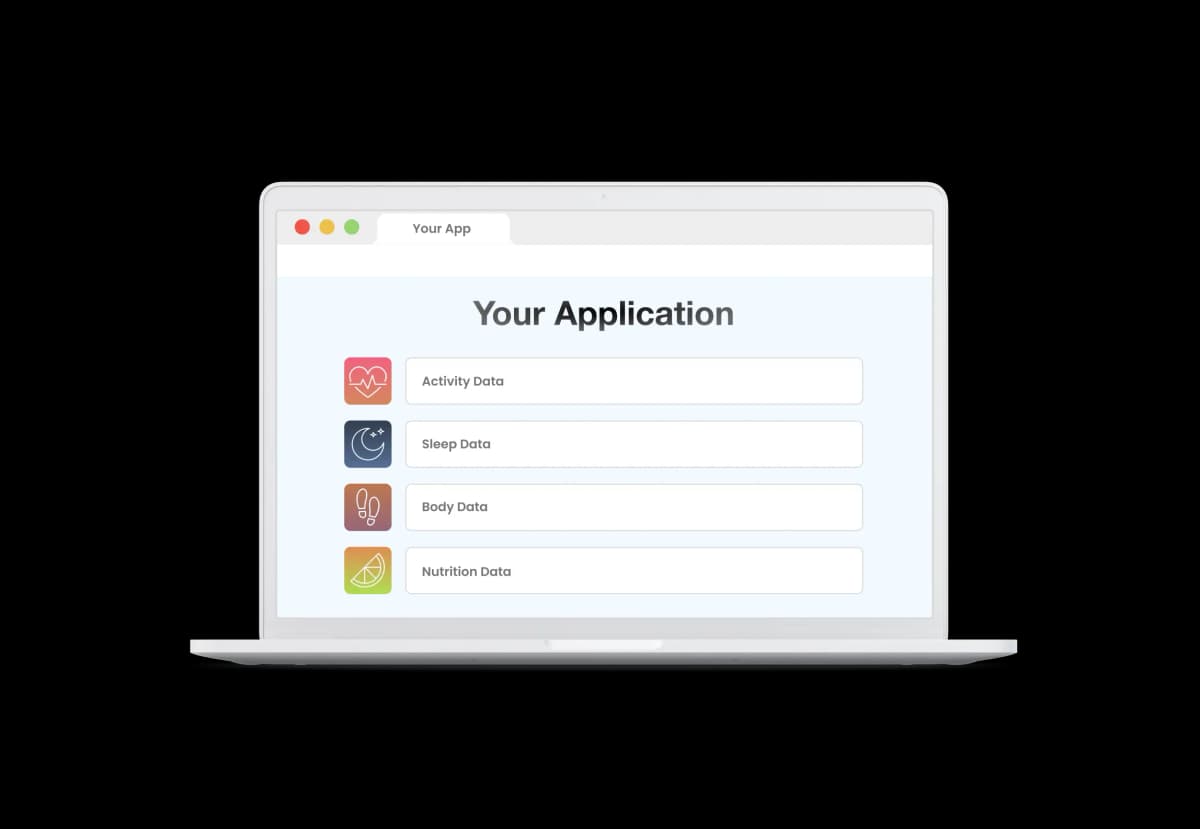
Data is organized into one of 6 data types.
Learn More
Activity Payload (JSON)
{
metadata: { ... }
active_durations_data: { ... }
data_enrichment: { ... }
}
Data can also be sent as a FIT File or with the FHIR Format.
Send My Macros+ data to your backend
Terra forwards every normalized payload to the destination you already use. Webhook
 Firestore
 SQL
SQL Mongo DB
 Google Cloud Storage Bucket
 AWS S3 Bucket
 AWS Simple Queue Service
 Kafka
Kafka Supabase
 Azure Blob
People Often Ask Us...
Can't Find Your Question?
Terra on My Macros+
Research and writing from the Terra team on My Macros+.
- Blog1 May 2026
April 2026 product update: synthetic users let you build a health app before you have any real users
April 2026: synthetic users generate realistic health data on demand, five new sources join the catalogue, and score history gets its own endpoints.
Alex Venetidis
My Macros+ API alternatives
These integrations also offer Body and Nutrition data.


Cookie Preferences
Crunch Time: Embrace the Cookie Monster Within!
We use cookies to enhance your browsing experience and analyse our traffic. By clicking “Accept All”, you consent to our use of cookies according to our Cookie Policy. You can change your mind any time by visiting out cookie policy.