Streaming API
Terra Grip
Stream live biometrics from a wearable to Terra with nothing but a phone. Pair from a QR code, keep streaming with the screen locked, and see every reading as it arrives.
npx @tryterra/cli examples clone streaming-mobile-app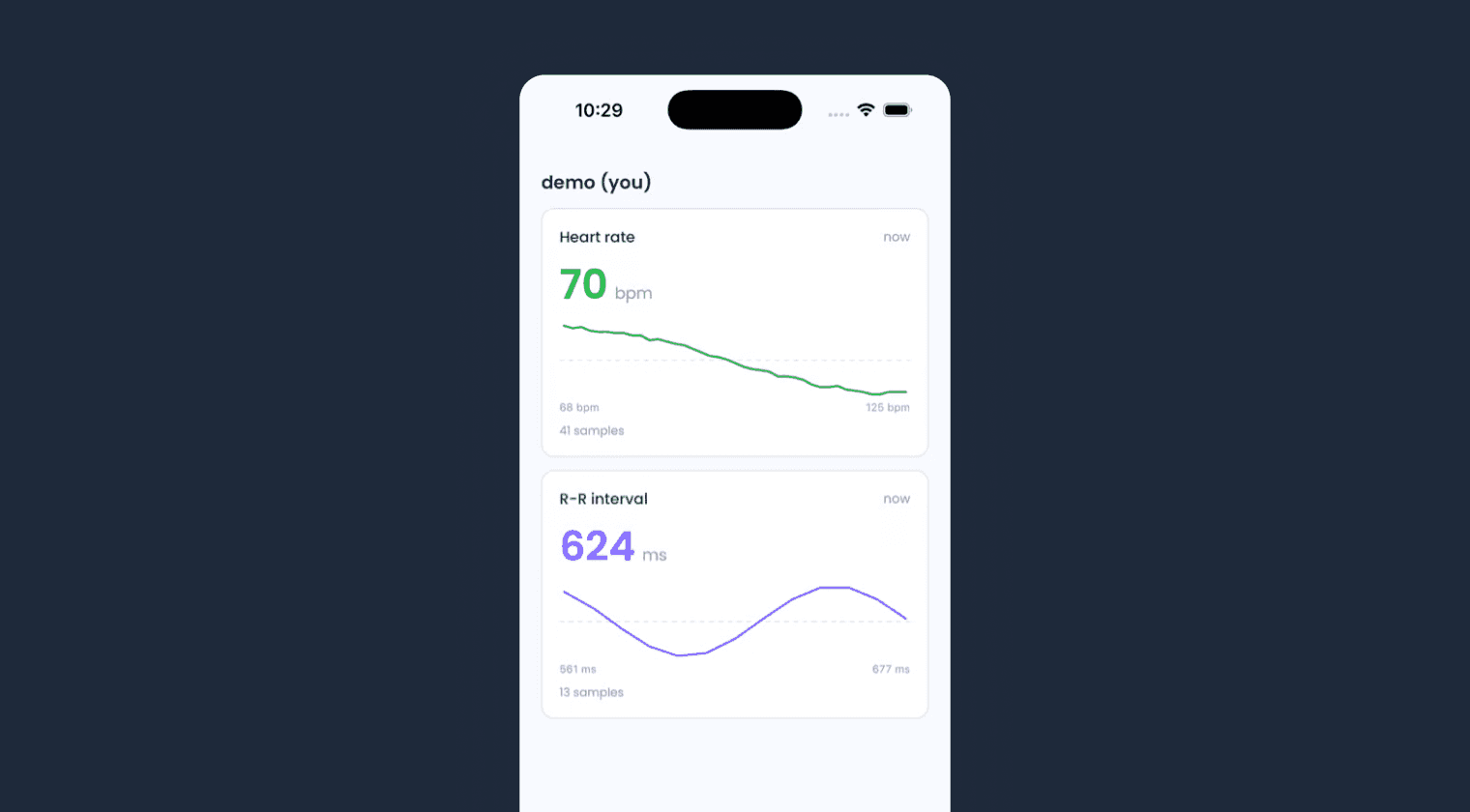
Overview
Grip is the producer half of a Streaming API integration. Scan a QR code from your dashboard and the phone pairs with a heart-rate strap, a watch or its own sensors, then streams every reading to Terra with the terra-rt SDK. There is no backend: the QR carries a reusable token with the user's identity bound in, so no API keys reach the device. For the consumer half, see Terra Pulse.
What's inside
- Producer connection: a WebSocket from the phone to Terra's broker, opened by the terra-rt SDK.
- Wearable pairing: BLE heart-rate devices, phone sensors and Apple Watch.
- QR pairing: a reusable token stored in the device keychain.
- Background streaming: readings keep flowing with the screen locked.
- Live view: readings rendered straight from the local SDK feed.
- Demo mode: the full producer flow on synthetic data, with no hardware.
Run it locally
You need the Terra CLI, Node.js 18 or later, and Xcode or Android Studio. terra-rt is a native module, so the app needs a development build rather than Expo Go. Pairing needs a physical phone; on a simulator, tap Try the demo instead.
1. Build and launch
terra examples clone streaming-mobile-app my-appcd my-app/appnpm installnpx expo run:iosOn Android, run npx expo run:android instead. The first build takes a few minutes.
2. Add a test user
On the streaming page of the dashboard, add a test user, choose Use my own wearable device, and leave the pairing QR on screen.
3. Pair
Scan the QR from the app's Pair tab or with your phone's camera. The app stores the token in the keychain and shows who you are streaming as.
4. Stream
On Connect, pick a BLE device, phone sensors or Apple Watch, and streaming starts straight away. Open Live to watch the readings, then check the dashboard's streaming tester to see them arrive at Terra.
Want to try it without building? Install Terra Grip from the App Store or Google Play and scan a pairing QR from your dashboard.
Next steps
Start with app/src/producer/terraSdk.ts, the full terra-rt surface, then ProducerController.ts, which drives setup and streaming. In production, mint a short-lived token per connection from your own backend instead of a reusable QR token; the React Native guide covers that flow. Pair it with Terra Pulse to watch the stream from the other side.
More examples
Unified API
Terra Basecamp
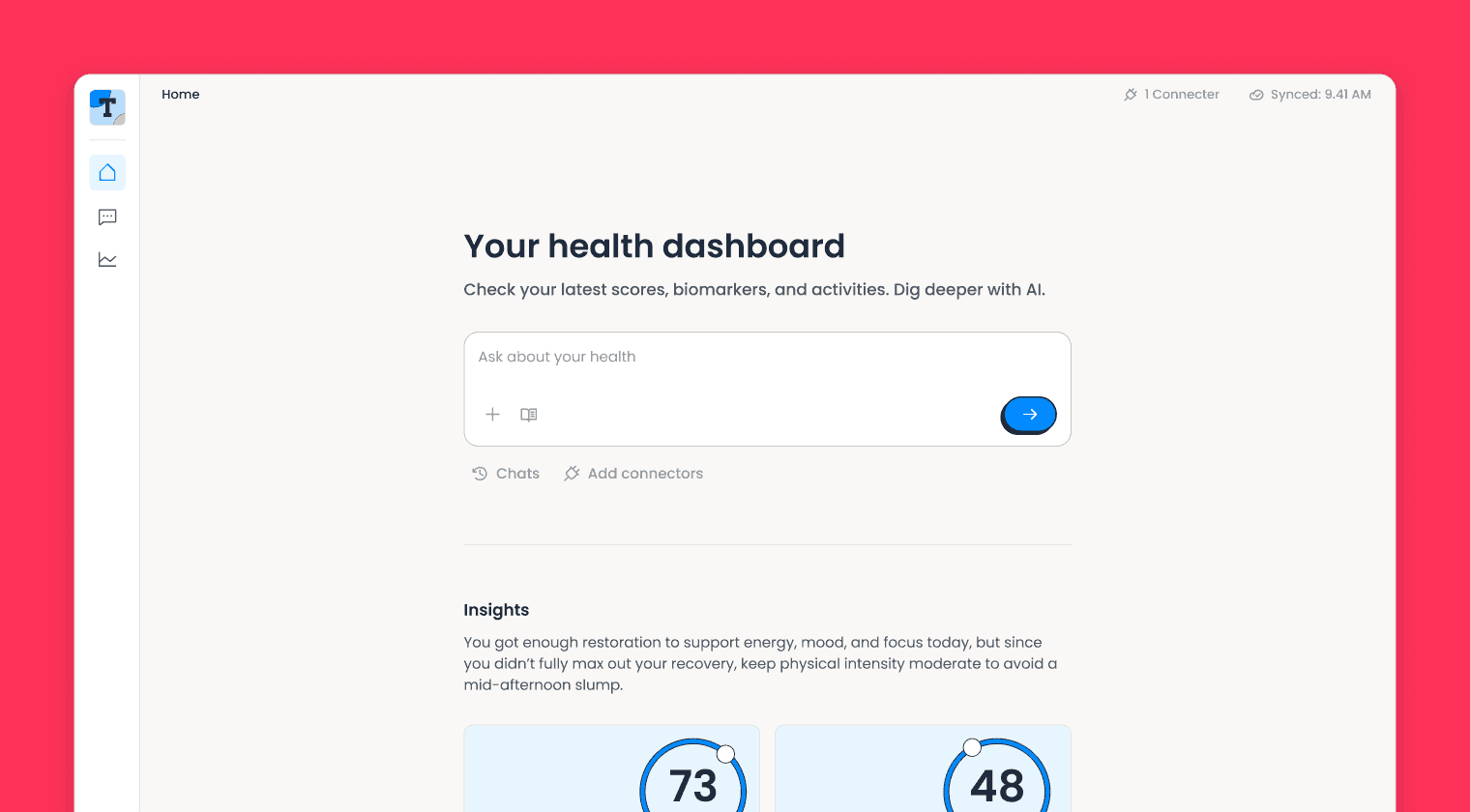
A complete Unified API integration: wearable connections, webhook ingestion, multi-device deduplication, a live dashboard, and an AI health assistant.
Streaming API
Terra Pulse
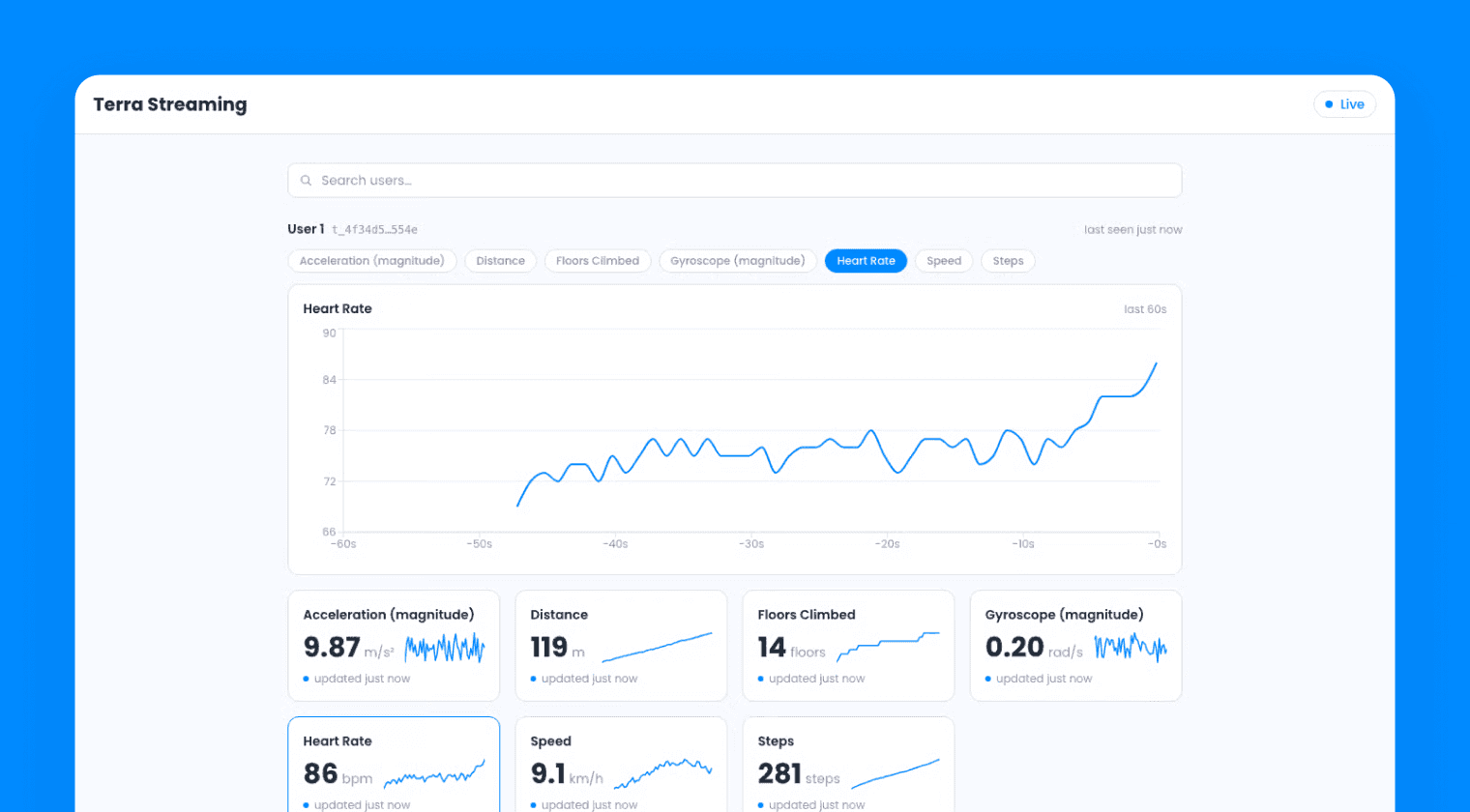
A React web app for the Streaming API: connect to Terra as a consumer, receive live biometrics over a WebSocket, and render them on a real-time dashboard.
Vantage API
Terra Dispatch
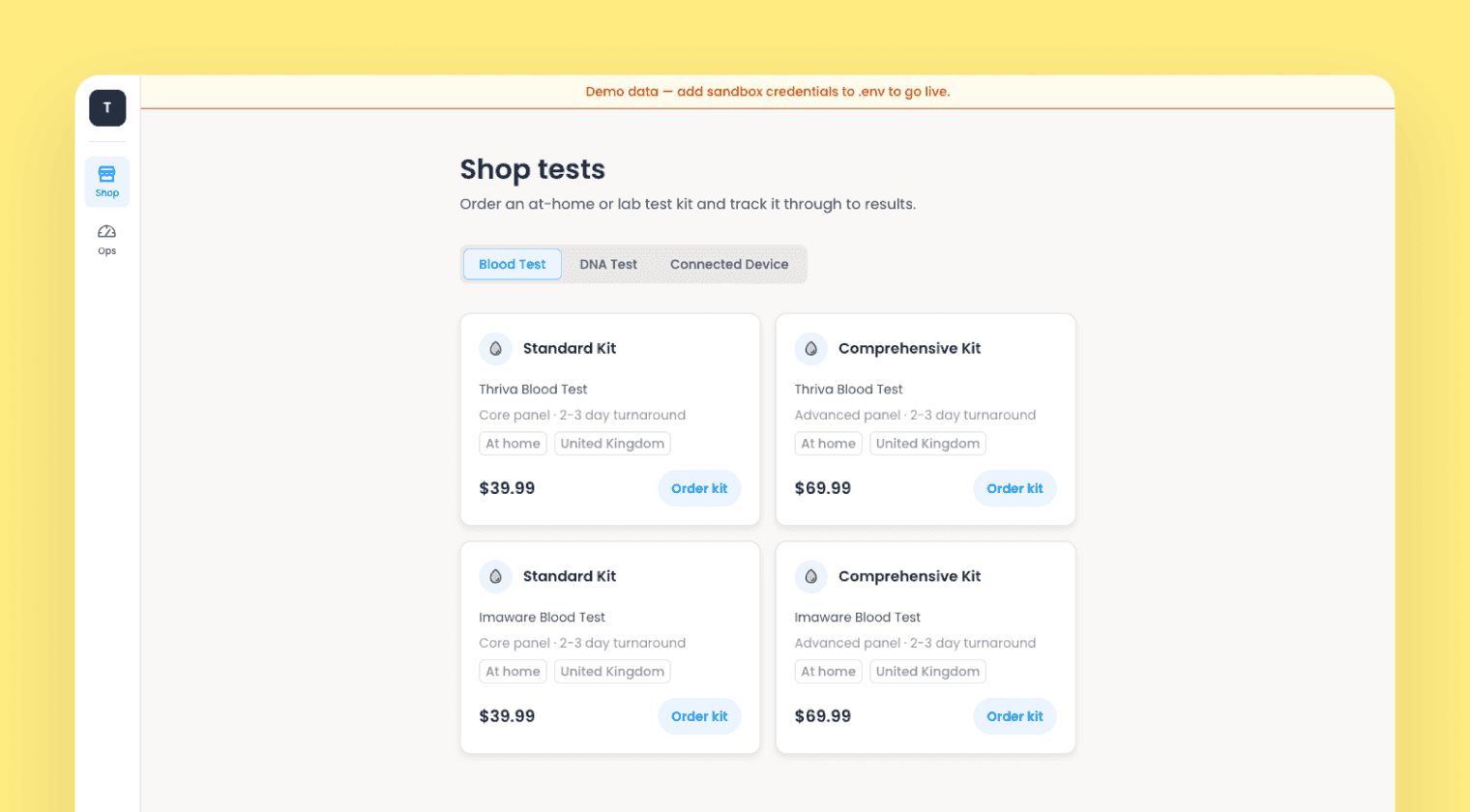
A diagnostics storefront and ops console on the Vantage API: order blood and DNA test kits, track fulfilment, and deliver FHIR results.