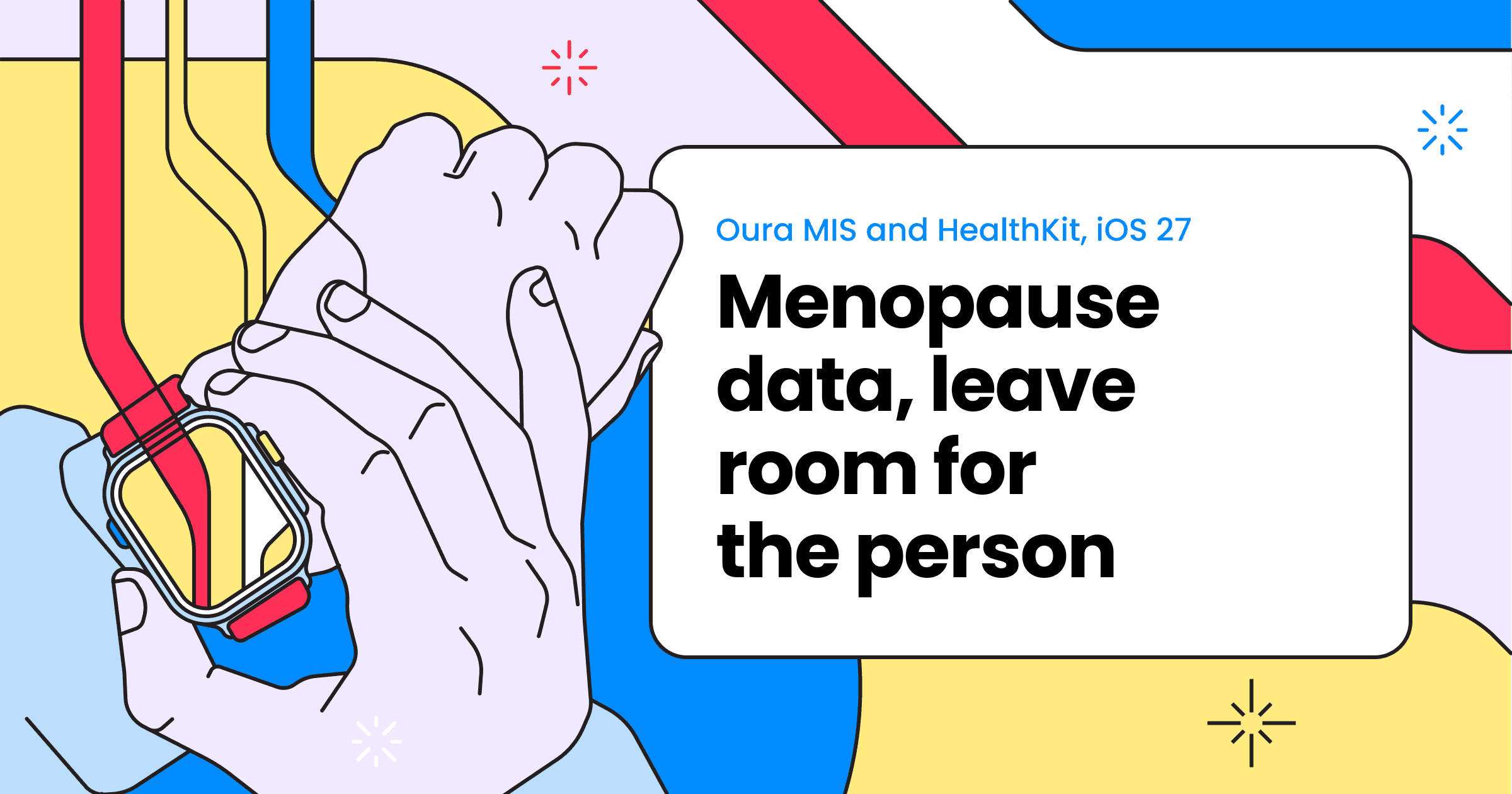
The part of Oura’s menopause news we like most is the attention paid to something a ring cannot measure: how much symptoms interfere with someone’s life. Its Menopause Impact Scale (MIS) asks about that experience directly. Wearable observations can sit alongside the answer. An unremarkable graph doesn’t make a person’s account less worth hearing.
Apple’s new HealthKit types add a different piece: a way to record menopausal state at a particular date. Together, these developments offer health apps something more useful than another score to display. They offer a chance to bring a person’s account, their recorded state and their wearable history into the same conversation, with enough detail left intact to understand each one.
Oura’s September 2, 2026 announcement names ten partners for its proprietary assessment. It says members can integrate results with Alloy Health, Oova, Xella, Pomelo and Wisp; Maven, Mira, Hertility, Gennev and Tia are scheduled for later in 2026. There is a promising network here, with five integrations described as available and five still to come.
Apple introduced its menopause APIs in the June 2026 HealthKit updates. The September 14 rollout of iOS 27 and watchOS 27 is the reason to revisit those docs now. September is the software release, rather than the first API announcement. Access deserves a separate check: a named Oura partnership doesn't establish general developer access to MIS results.
The Oura and Counsel care pathway raises a related question: how to bring wearable context into care without confusing a data connection with access to a particular service.
Keep the answer someone actually gave
MIS covers 22 symptoms across seven domains and asks about their effect on quality of life over the previous two weeks. There is a detail in Oura’s clinician guide that is easy to lose in a field mapping: the lowest response can mean either that a symptom wasn't experienced or that it didn't affect the person's day. Labelling both “symptom absent” changes the answer.
That is why we'd want the question to travel with the result. In an application's own record model, the instrument name, wording or questionnaire version, scoring version, language and recall period all help the next reader understand the answer. Where an integration provides only a summary, individual responses cannot be reconstructed from it.
An unanswered item deserves the same care. Someone skipping a question has given us less information, not a lower symptom burden. Oura documents a minimum response requirement for domain scoring; filling every blank with zero would quietly substitute a different scoring system. It would produce a lovely complete dataset, at the cost of losing what was actually reported.
We would keep the original responses wherever access and permissions allow, together with the version used to calculate the result. If wording or scoring changes later, that history helps explain a break in the chart. MIS is Oura’s proprietary instrument, with its own definitions. A shared label such as “menopause score” is no reason to treat results from different assessments as interchangeable.
An unusually consequential .none
Apple’s HKCategoryTypeIdentifier.menopausalState is available from iOS 27.0 and watchOS 27.0, among other platforms. Its values come from HKCategoryValueMenopausalState: .perimenopause, .menopause and .none. Each sample is a dated entry, with identical start and end dates. HealthKit rejects attempts to save it as an interval.
The interesting bit is .none. It means the person explicitly confirmed that neither menopause nor perimenopause applied at the recorded date. It doesn't mean unknown, unset or missing. This is a pleasing amount of care to put into an enum. A confirmed answer and an absence of information stay distinguishable, provided the app doesn't undo the distinction with a default value.
Apple’s recording and querying guide leaves the interpretation of a timeline to the app. An entry dated September 10 records the state at that date. Extending it forward to fill a month on a chart is an interpretation. The resulting shaded area can be useful, but it should remain traceable to the entry that produced it. Otherwise a reasonable display choice starts looking like a much more complete history than anyone supplied.
Apple also suggests an order for presenting conflicting entries on the same date: menopause, then perimenopause, then none. We'd keep the underlying sources visible even when following that priority. Resolving the display doesn't resolve the disagreement, and a recorded user report shouldn't acquire the appearance of a clinician-confirmed diagnosis along the way. A correction needs to flow through to the derived view, too.
The separate bleedingAfterMenopause type does represent an interval and uses HKCategoryValueVaginalBleeding for intensity. It also has iOS 27.0 and watchOS 27.0 availability. That distinction from both state entries and menstrual flow needs to survive the journey into your database, even if one generic “reproductive health event” table looks convenient.
The questionnaire and the ring keep different hours
Putting the data on one screen is appealing. Putting it all under one date is where things start going wrong.
An MIS assessment completed on September 18 refers to the preceding fortnight. A state entry made that day concerns a particular date. Last night's wearable observations cover their own period. Showing all three under “September 18” without those qualifications asks the reader to supply quite a lot of missing context.
The sensor data has detail worth keeping, too. Oura describes its temperature measure as average nighttime skin-temperature change relative to a personal baseline, distinct from basal or core temperature. Its daily value and smoothed trend view use different windows. “Temperature” on its own is an ambitious column name for all of that.
The same caution applies to familiar measurements such as sleep. Our Apple Watch and Oura sleep-stage comparison is a useful reminder that matching labels can still conceal different observations.
A useful comparison would align observations with the assessment’s recall period while still showing when the assessment was completed. If there are eight nights of sleep data in that fortnight, the missing nights belong in the view. The measurement period, units, baseline relationship and source also belong with each wearable value. Local dates and timezone offsets matter when the thing being recorded is a night that crosses midnight.
There is no requirement for the results to agree. Someone can report less disruption while their recorded menopausal state remains unchanged. A wearable series may show little movement while symptoms are affecting everyday life. These combinations are worth discussing, rather than smoothing into a composite number that is easier to lay out. Nor does movement in two series establish a cause, or a temperature deviation alone establish menopause.
Let the person decide what follows them
HealthKit permissions are separate for each data type and for reading and writing. Apple deliberately hides read denial from the app: a query can look as though there is no data. That makes “No entries available to this app” a considerably better description than “Not in menopause.” The wording is less definitive because the app knows less.
For a questionnaire collected directly by your app, you can distinguish not started, partly completed and submitted. For a wearable connection, you may know that syncing failed. An otherwise empty period can stay unexplained; there's no need to assign it a reason the data doesn't provide. A visible gap is useful information about the record's limits.
Apple’s recording guide supports read-only access when an app only needs to display existing state entries. Sharing information onward is another decision: Apple requires express permission for disclosure to third parties, subject to its sharing rules. And people can change permissions or delete records outside your app, so a summary can't remain confidently current while ignoring those changes.
For the wearable part of that view, Terra brings Oura data and Apple Health through the iOS SDK into the same delivery format. The standardisation layer saves you from building separate importers for a ring and a watch, while the source and meaning of their observations still belong in the view. Confirm the supported types, exact field mappings and permissions for the SDK version you plan to ship; MIS partner access and Apple’s new menopause types need their own availability checks.
The care-team view we'd want is fairly modest: the person's assessment, its period and source, the dated state entry, and the wearable observations actually available. A clinician's annotation can sit alongside them with its own provenance. There is something reassuring about a screen that leaves room for an unfinished answer or a disagreement. It gives the person a way to explain what the data hasn't captured, and gives the care team a clearer place to listen.
There is more useful product work in making that conversation easier than in maintaining another wearable parser. A shared Terra integration leaves room for the person’s account to remain the part you design around.