





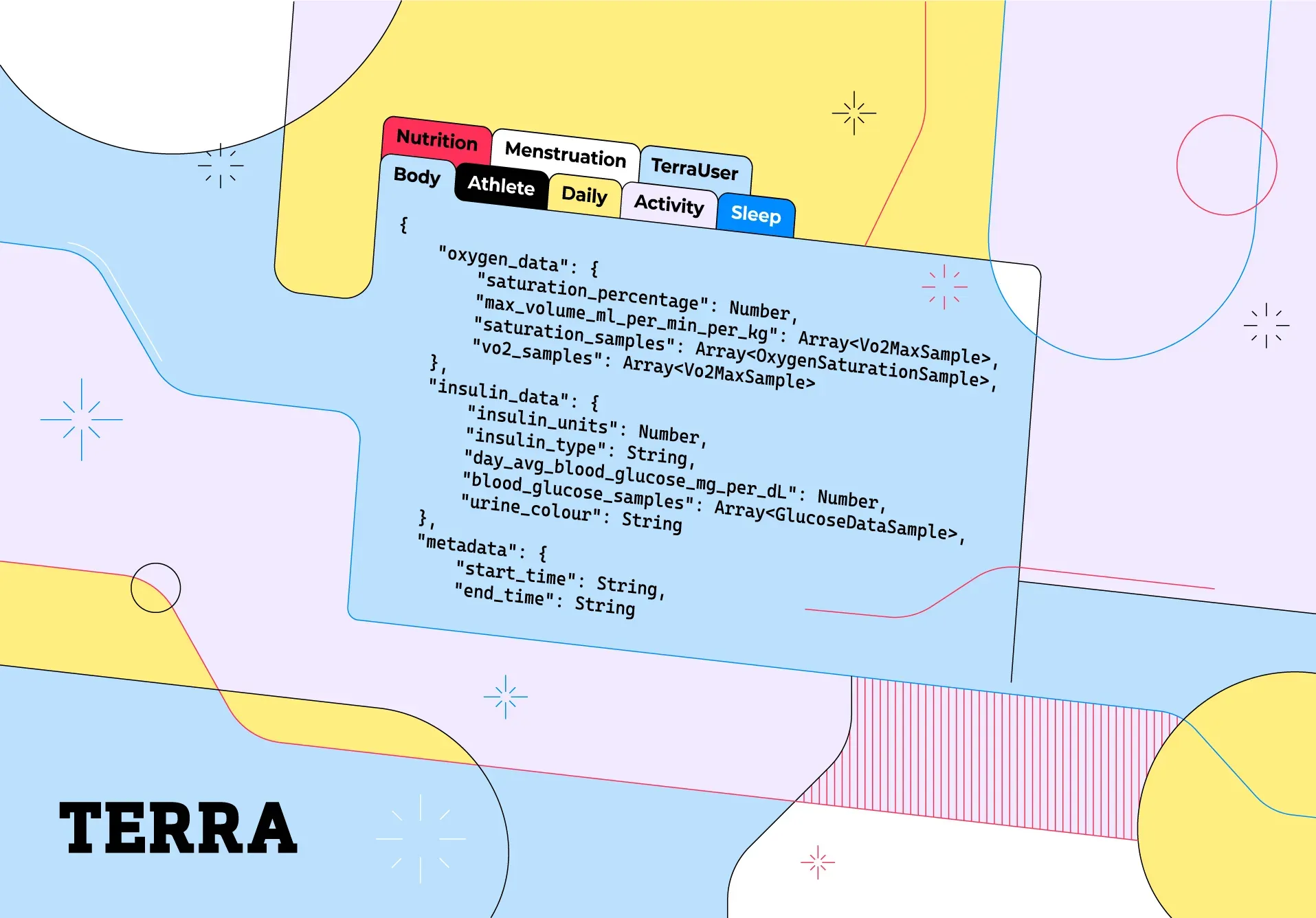
As a fitness and health API provider, the most important thing in our service would not be the reliability or the response time from our service, but rather the data models. They are in essence, our core. Our servers can be absolutely flawless, but with meaningless data models, no developer would ever want to use Terra.
The Beginning
Our data models existed before our API service was even available. We went through meticulous planning on how we should structure fitness data and how to provide them in a manner such that developers can understand and parse them intuitively.
The structure we came up with consisted of a few datatypes: Activity, Daily, Sleep, Body, Athlete, Menstruation, and Nutrition. We structured them in such a way that each of them contains a metadata field that describes the payload we send along with the day or period in which the payload falls under. This way developers instantly know if this is a payload that they require or not. We then populate the rest of the payload with fields that are commonly or in some cases even rarely provided by fitness data providers (for example, MET scores are only provided by two of our providers: Oura and Peloton) such that developers could get every piece of data possible. The names for each data field are then defined along with their units (for example, when we provide distance data, we provide it as distance_meters or Vo2Max data as vo2max_ml_per_min_kg) for maximum transparency.
Same Structure, Twice the Meaning
A couple months ago, we started integrating with more body measurement tracking data providers (such as FatSecret). This led us to finding out that our Body data model had a massive flaw where we only provide a singular data point for every measurement per day. We scrambled and instantly revised the model such that it returns as many data points as possible without loss of data for our developers.
From then, we launched a large scale data model revision. We started going through every field, in every data type provided by every provider to make sure they make sense and are standardised correctly.
This eventually led us to our Mark II models you now find in our docs. We had to make this a completely different version as there was a massive scale name changing for already existing fields and thus our developers would run into error trying to parse them.
A few main changes included: adding seconds to the sleep durations
"asleep": {
    "duration_deep_sleep_state_seconds": Number,
    "duration_REM_sleep_state_seconds": Number,
    "duration_asleep_state_seconds": Number,
    "num_REM_events": Number,
    "duration_light_sleep_state_seconds": Number
}
splitting a popular data field: HeartRate Variability into both calculation methods SDNN and RMSDD and adding units for heart rate measurements
"heart_rate_data": {
    "summary": {
        "user_max_hr_bpm": Number,
        "min_hr_bpm": Number,
        "avg_hrv_rmssd": Number,
        "avg_hrvy_sdnn": Number,
        "avg_hr_bpm": Number,
        "resting_hr_bpm": Number,
        "max_hr_bpm": Number
    },
    "detailed": {
        "hrv_samples_rmssd": Array,
        "hrv_samples_sdnn": Array,
        "hr_samples": Array
    }
}
and we also made sure that the distance in every distance samples provided are cumulative across every provider!
                                ...
{
    "timestamp": "2022-04-29T07:37:07.179606+00:00",
    "distance_meters": 0,
    "timer_duration_seconds": 0
},
{
    "timestamp": "2022-04-29T07:45:07.179606+00:00",
    "distance_meters": 34.147968322316025,
    "timer_duration_seconds": 8
},
{
    "timestamp": "2022-04-29T07:53:07.179606+00:00",
    "distance_meters": 82.24246883413225,
    "timer_duration_seconds": 16
},
                                ...
We also added a few new data fields, such as micros for our nutrition model to accommodate with the new data we were getting from our new integrations: Cronometer, MyFitnessPal and FatSecret.
"micros": {
    "vitamin_C_mg": Number,
    "calcium_mg": Number,
    "vitamin_A_mg":Number,
    "potassium_mg": Number,
    "vitamin_B6_mg": Number,
    "zinc_mg": Number,
    "chloride_mg": Number,
    "vitamin_E_mg": Number,
    "phosphorus_mg": Number,
    "manganese_mg": Number,
    "magnesium_mg": Number,
    "riboflavin_mg": Number,
    "biotin_mg": Number,
    "vitamin_K_mg": Number,
    "chromium_mg":Number,
    "niacin_mg": Number,
    "pantothenic_acid_mg": Number,
    "selenium_mg": Number,
    "thiamin_mg": Number,
    "folate_mg": Number,
    "caffeine_mg": Number,
    "vitamin_B12_mg": Number,
    "copper_mg": Number,
    "iodine_mg":Number,
    "iron_mg": Number,
    "folic_acid_mg": Number,
    "vitamin_D_mg": Number,
    "molybdenum_mg": Number,
},
and readiness data due to customer requests:
"readiness_data":{
    "readiness": Number,
    "recovery_level": RecoveryLevel
}
Final Thoughts
The core of our service has never been stronger with our data models in Mark II. The meaning of every field is made a lot more explicit and comprehensible than Mark I, not mentioning the fact that they are also much more consistent across every datatype.
We will always strive to keep making our models better by adding new data fields, or even new data types as per request or per added integration while maintaining the same style: consistency, explicit and comprehensibility. This will always be an everlasting project on our end: providing as much fitness and health data as possible to the world!